See what really happened on every trade
Your entries and exits on the chart, how far price ran for and against you, and a grade for both the trade and how you traded it.
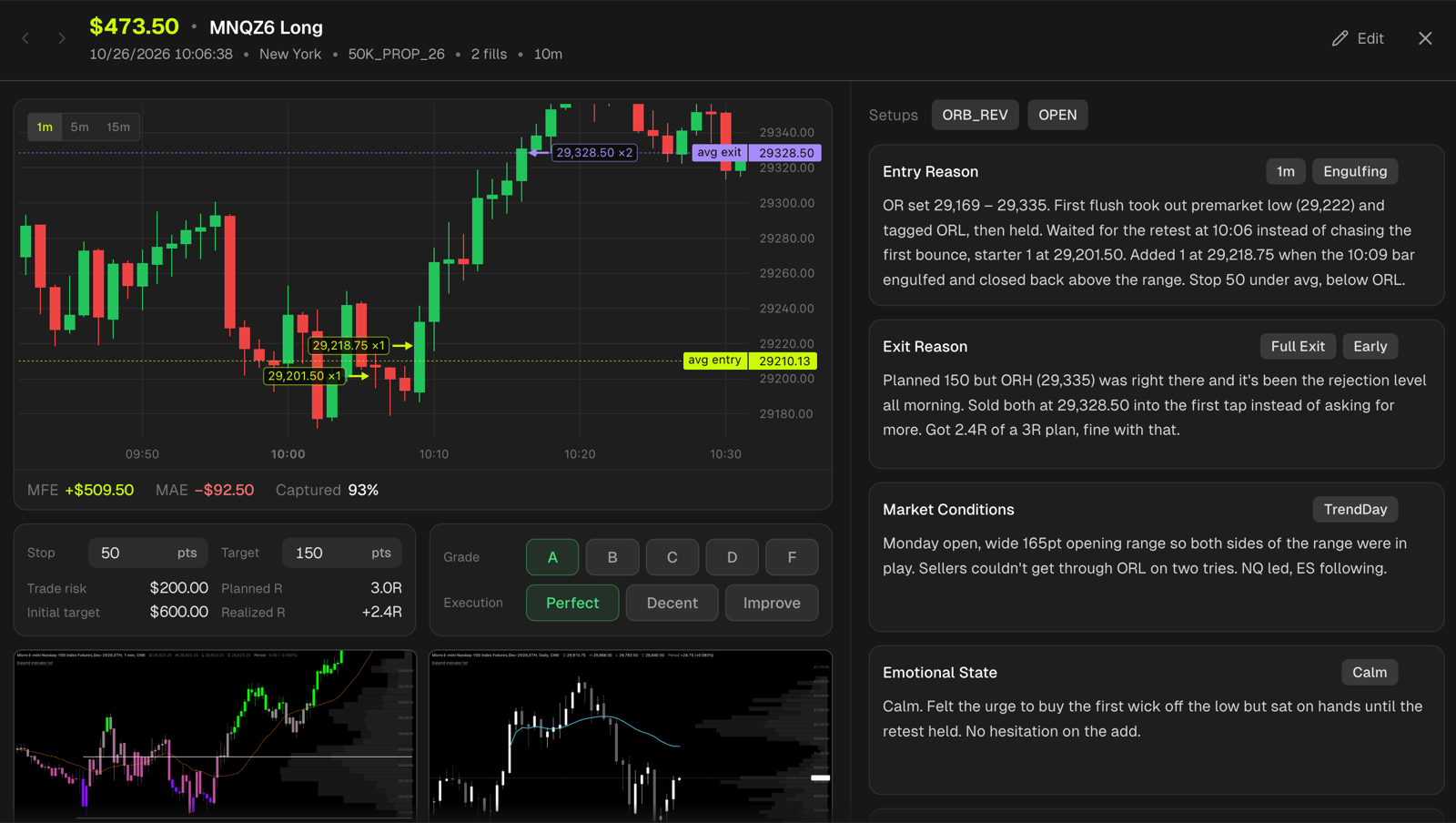
Judge the trade, not just the PnL
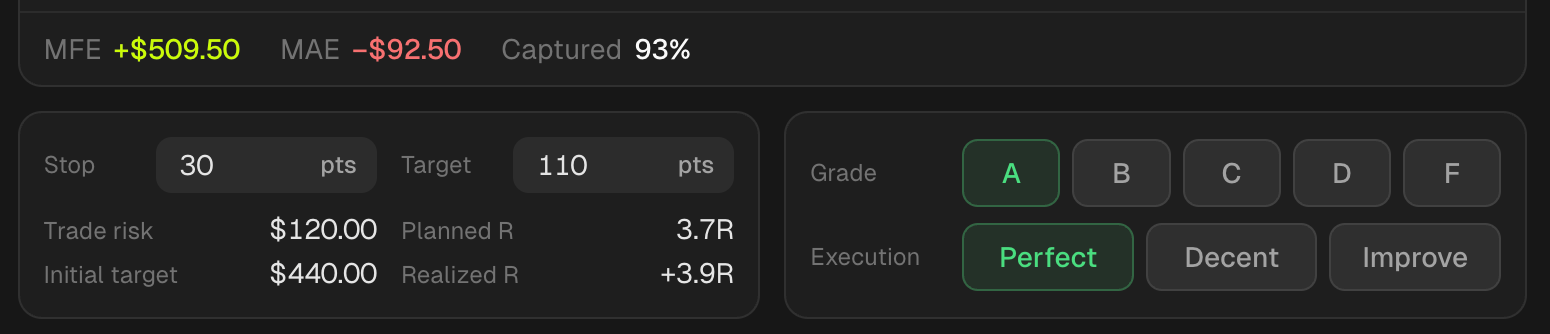
Record your stop and see the trade's risk and R. Then grade the outcome A to F and your execution separately. A well-executed loser is worth more to learn from than a lucky winner.
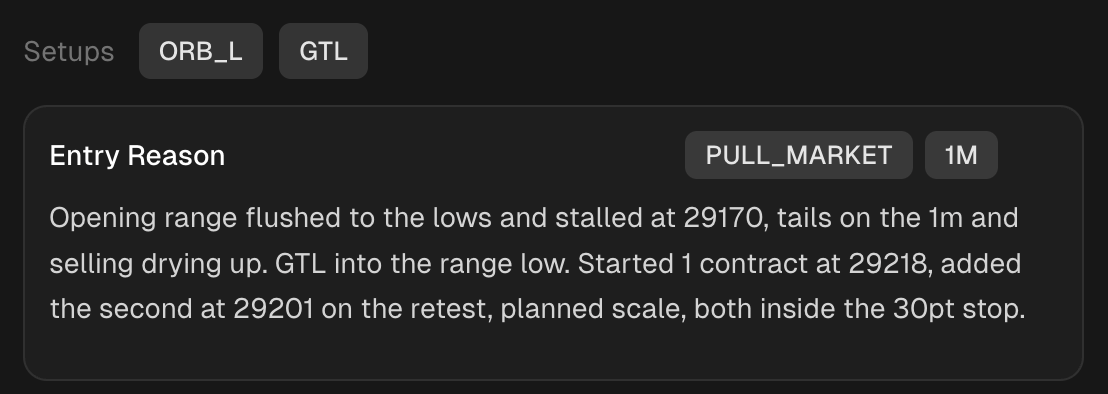
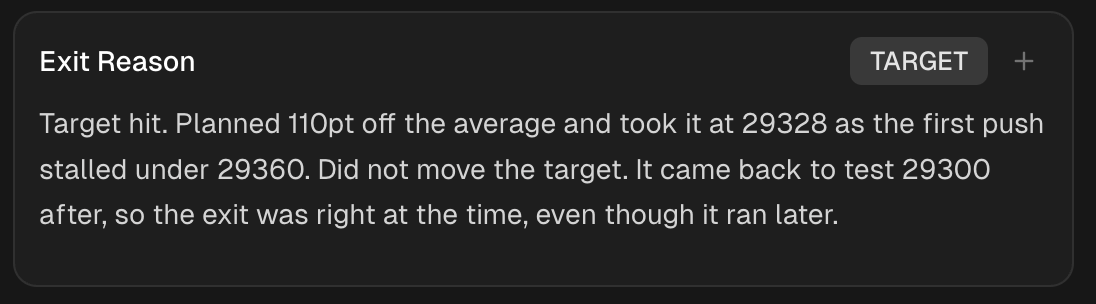
Write down why, while it's fresh
Five prompts walk you through the trade, from why you entered to what you'd do next time. Tag the setup and the reason, so every note counts in your reports.
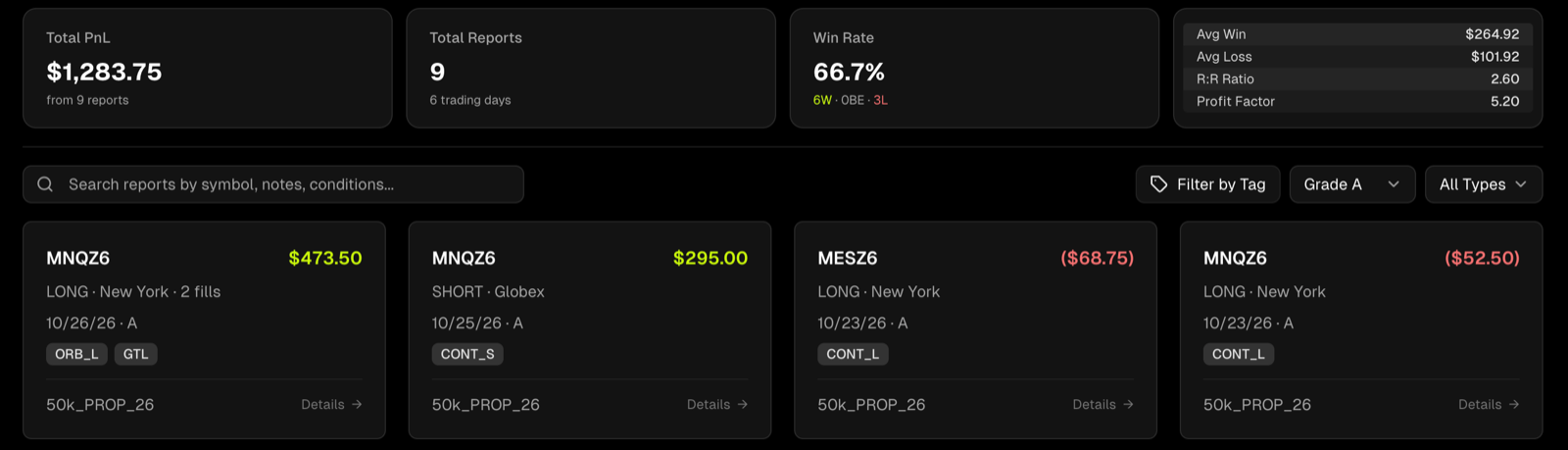
Find your A trades, and your F trades
Every reviewed trade lands in one place. Filter by grade and see what your A trades actually earn, which setups they come from, and what they have in common.
Frequently asked questions
What are MAE and MFE?+
MFE (maximum favorable excursion) is the furthest price moved in your favor during the trade. MAE (maximum adverse excursion) is the furthest it moved against you. Captured shows how much of the favorable move you kept.
Why grade a trade twice?+
The grade is for the trade itself, A to F. Execution is for how well you followed your plan. They're separate on purpose: a losing trade can still be well executed, and a winner can still be badly managed.
Do I have to journal every trade?+
No. Every trade gets its chart, MFE and MAE and shows up in your reports the moment it syncs. Grades, notes and tags make your reports sharper, and you can switch to Journaled only to look at just the trades you reviewed.
Which instruments get a chart?+
The major futures contracts, forex pairs and metals from cTrader, and any symbol your MetaTrader 5 broker offers. Charts appear shortly after a trade closes. Open trades and manual trades without times don't have one.
Can I ask Claude or ChatGPT about my trades?+
Yes. Connect Tanto to Claude or ChatGPT and ask things like "pull up the trade I graded F on Tuesday" or "what do my A trades have in common?".
Trade more like your A trades
Every trade syncs with its chart, MFE and MAE. Grade it, write down why, and see what your best trades share.